OCTOBER 21, 2026
Automating the Repetitive Parts of an Agent's Week
Ask an agent where their week goes and the answer is usually a list of conversations: with a buyer who wants to know if the inspection came back, with a seller who wants to know what the showing feedback said, with a client who needs the contract in a hurry. Most of those conversations are not hard. They are the administrative residue of work that already happened, and they crowd out the work that actually needs a person.
Automation has a bad reputation in this profession, usually for good reasons. Nobody wants a system that emails a client every time something happens, and nobody wants a tool that takes over the relationship. The useful version of automation is narrow: it removes the remembering, and it leaves the judgment alone.
Name the work before you automate any of it
Start by listing what recurs in a normal week. For most agents it is a short list of things that could each be handled by a system:
- Sending a status update after a milestone.
- Reminding a client that a document is still needed.
- Flagging a date that is coming up and who owns it.
- Collecting showing feedback and passing it along.
- Sending the welcome message to a new client.
- Chasing a signature, a deposit, or a set of documents.
- Producing the weekly summary for a seller or a buyer.
Write them down. Two things become obvious. The first is which ones nobody actually enjoys. The second is that most of them are reminders: a nudge at the right time, to the right person, with the right thing attached.
Automate the reminding, not the thinking
There is a clean line here. Reminders, handoffs, and recurring summaries are excellent automation targets because the rule is the same every time and the value is in it happening without you.
Judgment is not. The advice about the market, the phone call after an inspection comes back badly, the conversation about a credit repair, the moment you decide to slow a transaction down, the tone of a difficult email. None of that should be automated, and the tools that try to automate it make the relationship worse rather than better.
It is also worth being clear about what a client should feel. The best automation is invisible in the good sense: nobody notices it, but the transaction keeps moving without them having to ask. The worst automation is the one that produces a stream of messages that make the client feel watched.
Watch for automation that creates noise
Every automated message is a small withdrawal from the client's attention, and clients who feel that way respond in the worst possible way: they tune you out. A portal that emails on every single event is worse than one that emails when something genuinely changes, because the client starts ignoring all of it, including the messages that mattered.
So automation has to be judged by what it removes, not by what it sends. The question is not how many updates went out, it is how many times the client had to ask. The right target is fewer interruptions for you and fewer messages for them, with nothing important going quiet.
It is also worth keeping the human channel open and obvious. The reason people write to ask for an update in the first place is usually that they are not sure whether the last one was sent, or who is handling it now, or what happens next. Automation that solves that ambiguity is doing something real.
The measure is what you get back
After a few weeks, look at what changed rather than what was installed. Did the number of status pings drop? Are clients asking fewer questions? Are the handoffs to other people on the team cleaner? Are the items you would have forgotten actually getting done?
If the answer is that you are sending more messages and thinking about the same things, the automation is not working. The point of it was always to buy back attention for the parts of the job that need a person, and the buying has to show up in the week.
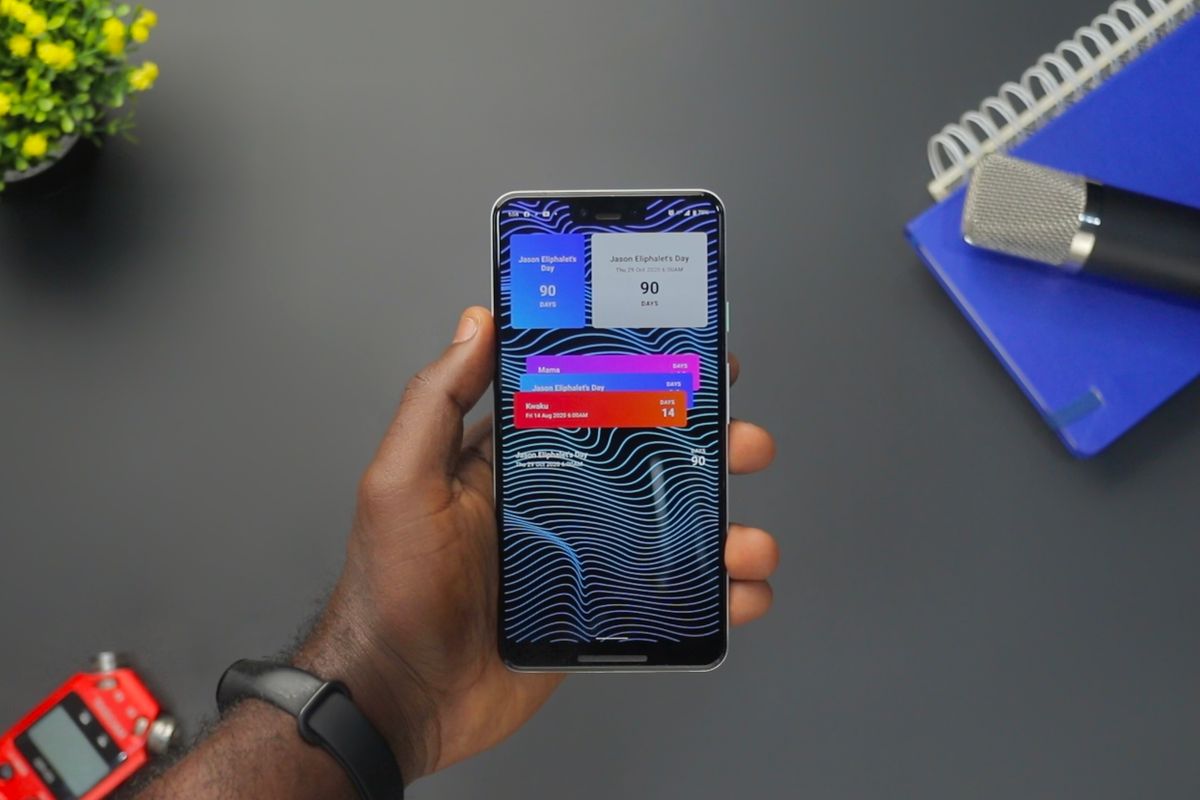
ClientSpine is built on that idea: the client portal updates itself as you work, so a status update is a by-product of the transaction rather than a task you perform. The checklist shows progress, key dates come with countdowns and reminders, the feed of updates is generated automatically, and email and push notifications go out only when there is something worth knowing. The client stops asking, and the part of your week that needs you gets bigger.
Give every client one place to check. ClientSpine gives each buyer, seller, owner, tenant, and home-watch client a branded view of their own transaction, updated as you work.